The 12 SEO checks every Shopify blog post needs (and how BlockPress automates them)
Twelve concrete SEO checks every Shopify blog post should pass before you hit publish. With the exact thresholds Google rewards, not vague advice.
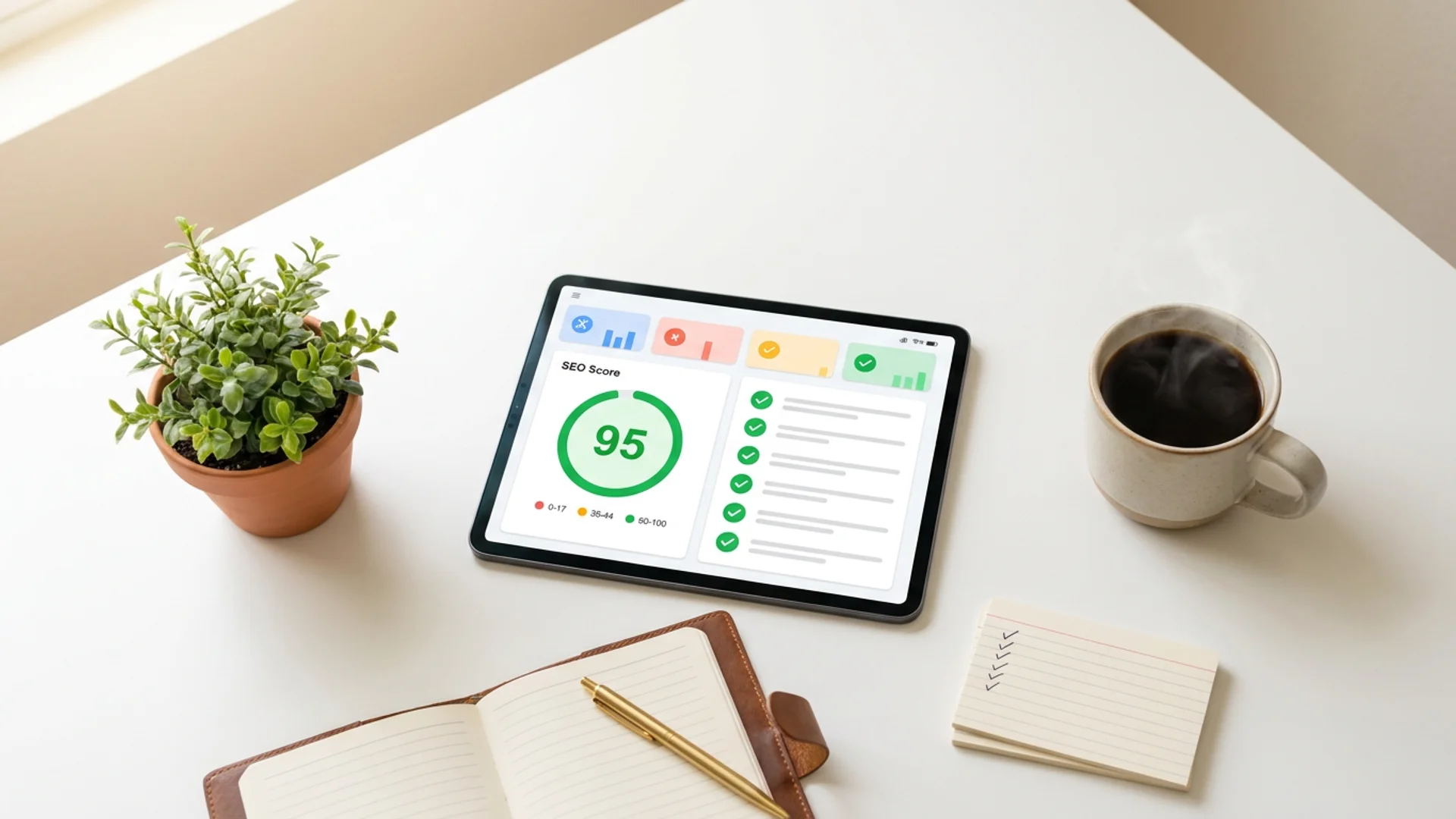
There’s no shortage of “SEO checklists” online. Most of them are vague (“use relevant keywords!”) or generic (“write quality content!”) or designed for WordPress instead of Shopify. After auditing hundreds of articles across BlockPress merchant stores, here are the twelve checks that actually correlate with ranking and converting on Shopify specifically.
Each one comes with the threshold that matters, the reason it matters, and the time it takes to fix. None of them require an SEO consultant.
1. Title tag length: 60 to 70 characters
Google truncates titles in search results at roughly 580 pixels of width, which works out to 60-70 characters for most fonts. A title that gets cut off mid-sentence is a click-through killer.
Fix: Open your post settings, count characters in the meta title field. Aim for 60-70. If your post title is naturally longer, write a separate meta title that’s shorter.
Time: 30 seconds.
2. Meta description: 150 to 160 characters
Same logic, applied to the snippet under the title. Google often rewrites bad meta descriptions, which means you lose control over what searchers see. Write a deliberate 150-160 character description that promises specific value.
Fix: Format that works: “Promise + concrete deliverable + reader benefit.” For example: “Twelve concrete SEO checks every Shopify blog post should pass before you hit publish. With the exact thresholds Google rewards, not vague advice.”
Time: 2 minutes.
3. URL slug: short, keyword-focused, no filler words
Shopify defaults blog URLs to /blogs/news/<full-title-as-slug>. That’s often 60+ characters with filler words like “the,” “and,” “how.” Trim aggressively.
Fix: Edit the URL slug field. Drop articles, conjunctions, and obvious words. Aim for under 5 words, all hyphenated, all lowercase. /blogs/news/shopify-seo-checklist beats /blogs/news/the-complete-guide-to-shopify-blog-post-seo-2026.
Time: 1 minute.
4. Focus keyword density: between 0.5% and 2%
Use your target keyword phrase 5 to 15 times across a 1,500-word article. Under that, Google may not understand what the page is about. Over that, you’re stuffing and risk a penalty.
Fix: Mention the exact phrase in the H1, the first paragraph, at least one H2, and naturally throughout the body. Don’t force it. If a sentence reads awkwardly with the keyword, rewrite the sentence.
Time: Built into writing the post. Audit by counting after.
5. Heading hierarchy: one H1, multiple H2s, no skipping levels
Every page needs exactly one H1 (the post title). Below it, use H2 for major sections and H3 for sub-sections. Don’t jump from H1 straight to H3, and don’t use multiple H1s (some Shopify themes do this badly by default).
Fix: Audit your post in Shopify’s editor by looking at the formatting toolbar selections per heading. In BlockPress, the heading level is shown in the left gutter of each block.
Time: 2 minutes during writing, 30 seconds to audit later.
6. At least one external link to an authoritative source
Linking out to high-authority sites (Shopify itself, Wikipedia, established industry publications) signals to Google that your content is well-researched. It also helps readers verify claims.
Fix: Each post should cite at least one source for any non-obvious claim. Use anchor text that describes what the link is. Open in the same tab unless you have a strong reason not to.
Time: 2 minutes.
7. At least 3 internal links to other posts or product pages
Internal links keep readers on your store longer (improving dwell time, a ranking signal) and help Google understand your site’s structure. Most Shopify blogs underuse this aggressively. Read our internal linking guide for the full strategy.
Fix: Every post should link to 2-3 related blog posts AND at least one product page when the context supports it. Use descriptive anchor text, not “click here.”
Time: 5 minutes. More if you’re researching what to link to manually.
8. Hero image with descriptive alt text
The hero image at the top of your post does two SEO jobs: it gets indexed by Google Images (a traffic source most Shopify stores ignore), and its alt text helps Google understand the post’s topic.
Fix: Add a hero image to every post. Alt text should describe the image in 1 sentence, naturally including the focus keyword if possible. “Coffee beans on a wooden table” is fine. “Single-origin Ethiopian Yirgacheffe coffee beans on a hand-crafted walnut table” is better if the post is about Yirgacheffe.
Time: 5 minutes (sourcing the image is the slow part, not the alt text).
9. At least one bulleted list and one heading-level FAQ section
Google’s search results increasingly feature “rich snippets” pulled from lists and FAQ sections. Including these in your post gives you a shot at appearing in those high-CTR positions.
Fix: Every article should have at least one bulleted or numbered list (3+ items) AND a ”## FAQ” section near the end with 3-5 H3-level questions. Format each FAQ as ”### Specific question?” followed by a 1-3 sentence answer.
Time: Built into writing. Adds maybe 10 minutes for a well-thought-out FAQ.
10. Article length matched to search intent
There’s no magic word count. Posts ranking #1 for “how to brew pour over coffee” might average 1,200 words. Posts ranking #1 for “best espresso machines under $500” might average 3,500 because they need product comparisons.
Fix: Open the top 5 results for your target keyword in incognito tabs. Note their approximate word count. Match it, plus or minus 20%. Don’t pad to hit a fake target.
Time: 5 minutes of research before writing.
11. Open Graph image set to 1200 x 630 pixels
When your post gets shared on Facebook, X, LinkedIn, or in Slack/email, the Open Graph image is what people see. Shopify’s default behavior is to use the hero image, which is fine if it’s the right dimensions. Wrong dimensions get awkwardly cropped.
Fix: Use a hero image at 1200x630 pixels (or close to that ratio). Test with opengraph.xyz by pasting your published URL.
Time: 5 minutes including testing.
12. Schema markup: Article + FAQ
JSON-LD schema markup tells Google explicitly that a page is an article (with an author, publish date, headline) and that a section is an FAQ (with specific questions and answers). Pages with proper schema are eligible for richer search results.
Fix: Shopify themes often handle basic Article schema automatically. FAQ schema is rarely included by default. You can add it manually via theme code edits, or use a Shopify app that handles it.
Time: 1 hour for a one-time theme code edit, 0 seconds if using an app that handles it automatically.
The honest TL;DR
Checks 1-7 are the must-haves. They take 15 minutes total and they cover 80% of the SEO win.
Checks 8-12 are the polish layer. They take another 30-45 minutes per post and they’re what separates a post that ranks #5 from one that ranks #1.
If you’re doing this manually with each post, you’re looking at 45-60 minutes of SEO work per post on top of the writing time. Most Shopify merchants skip half the checks because of that overhead, which is why most Shopify blog posts underperform.
BlockPress automates checks 1-9 with a live SEO score in the sidebar as you write, plus auto-populates the meta title and meta description when you generate a draft. Checks 10-12 still need human judgment but become much faster when the SEO scaffolding is already in place.
For the broader strategy around what to write in the first place, see how to write a Shopify blog post that ranks (and converts).
Whether you automate or not, the checks are the checks. Run them before every publish.
Want help publishing better blog posts to your Shopify store? Install BlockPress →